Day3- Linux Basic command
Navigations and file creation Command:
👩💻 I am currently working as Infrastructure Engineer.
🔭 I’m currently preparing for CKA certification.
📝 Do check my linked post I keep posting articles related to DevOps
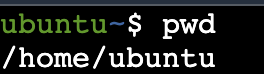
pwd: Print the name of the current working directory
ls: List information about the FILEs (the current directory by default) and sort entries alphabetically if none of options are specified
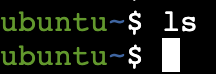
if nothing is returned in the output that means the directory is blank
mkdir - Create the DIRECTORY(ies), if they do not already exist
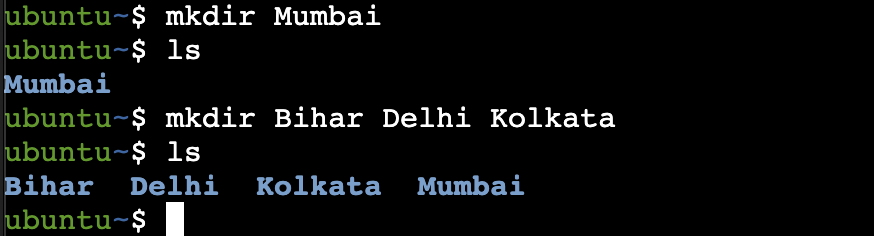
cd- Change the shell working directory

cp - copy files and directories
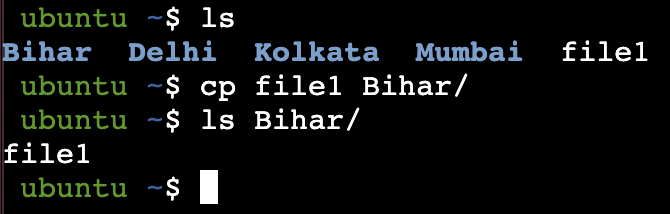
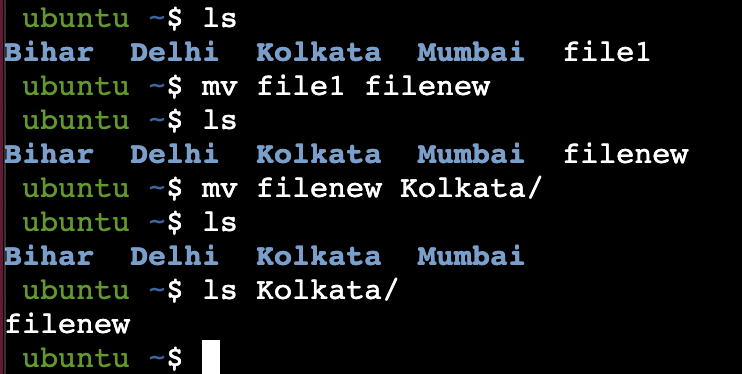
mv - move (rename) files
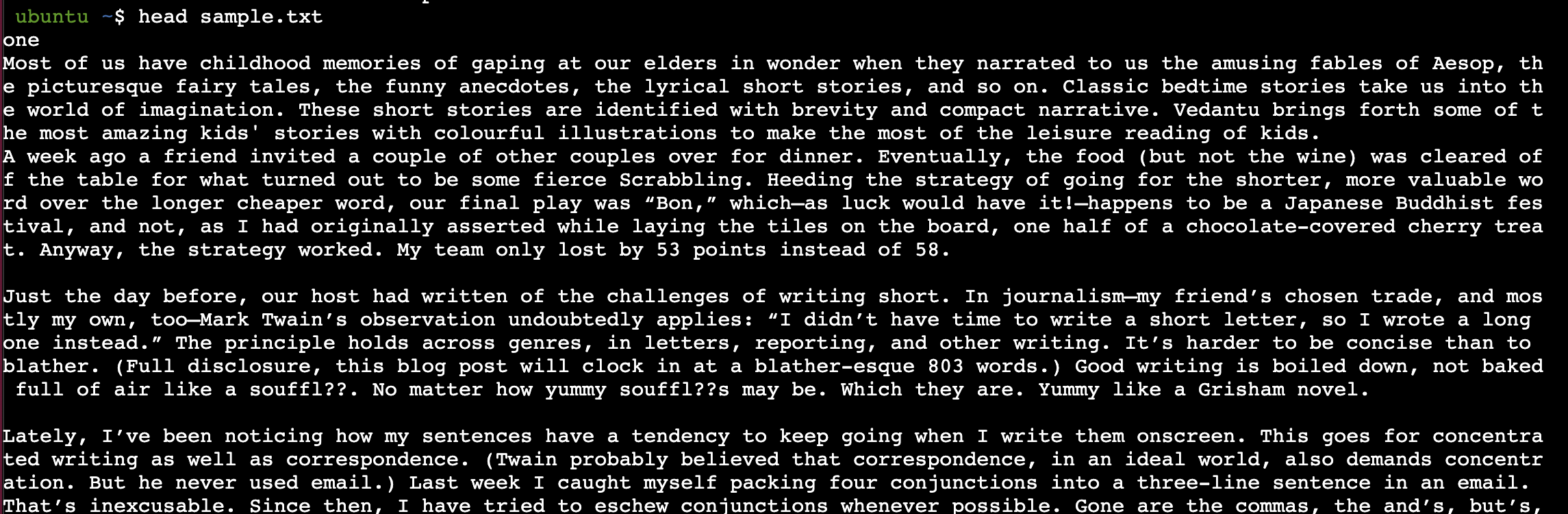
Head: Print the first 10 lines of each FILE to standard output
Tail: Print the last 10 lines of each FILE to standard output



